How to Make YouTube Videos with AI: The Complete 2026 Guide
A step-by-step guide to creating YouTube videos with AI — from topic to published video. Covers scriptwriting, voiceover, animation, captions, and optimization.
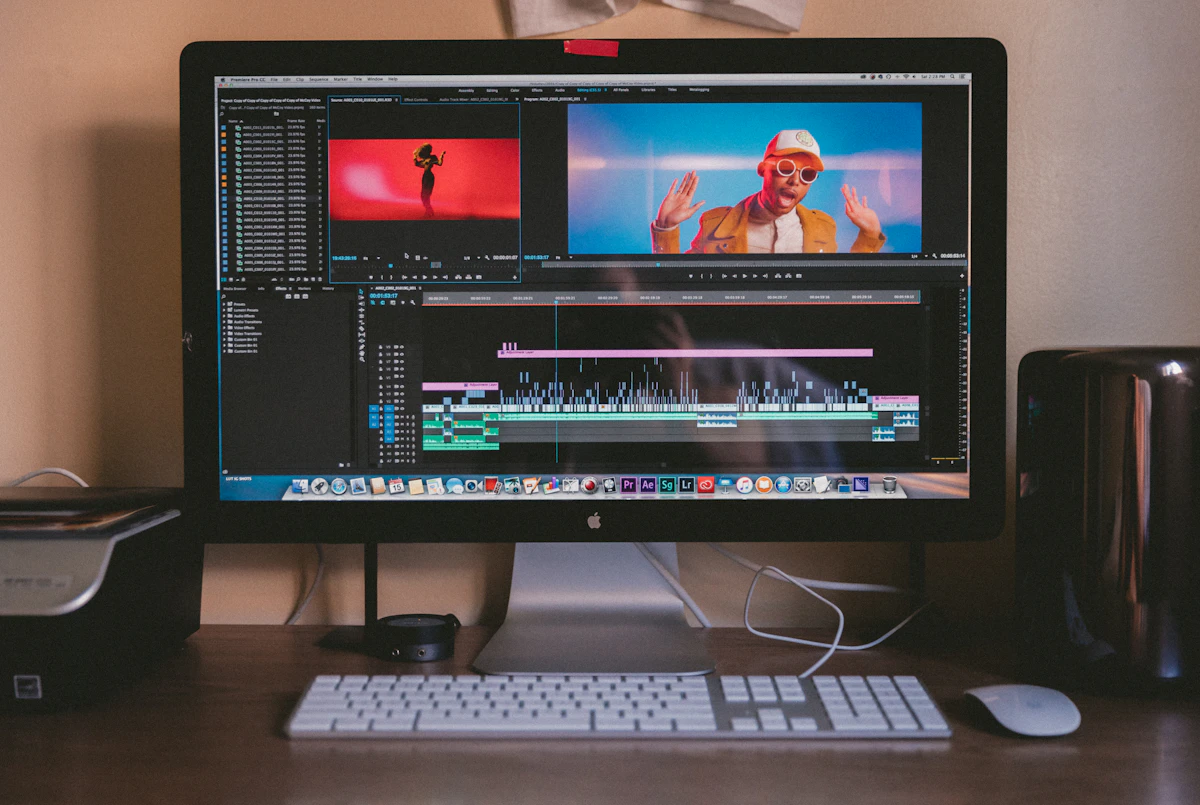
Making YouTube videos used to mean weeks of work: scripting, recording, sourcing footage, editing in a timeline, and adding captions frame by frame. In 2026, AI has collapsed that entire process into something a single person can do in minutes.
This isn't a gimmick. AI video tools now handle scriptwriting, voiceover generation, image creation, animation, and final assembly — all from a single topic input. For solo creators, marketers, and businesses, this changes the math on what's possible.
What "Making Videos with AI" Actually Means
When people talk about AI video creation, they're not describing a single magic button. They're talking about a coordinated pipeline where AI handles each production stage:
- - Concept generation — AI analyzes your topic and suggests multiple creative angles
- - Scriptwriting — a full narration script, structured into scenes
- - Voiceover — realistic text-to-speech with natural pacing
- - Visual generation — original images created for each scene
- - Animation — scenes brought to life with AI video models or camera motion
- - Captions — word-by-word subtitles synced to the audio
- - Assembly — everything stitched together with transitions and timing
Each step that used to require a specialist — writer, voice actor, illustrator, animator, editor — can now be handled by AI. Your role shifts from technician to creative director.
Why This Matters for YouTube in 2026
The YouTube landscape has shifted in three important ways that make AI video creation not just viable, but strategic.
1. The Algorithm Rewards Consistency
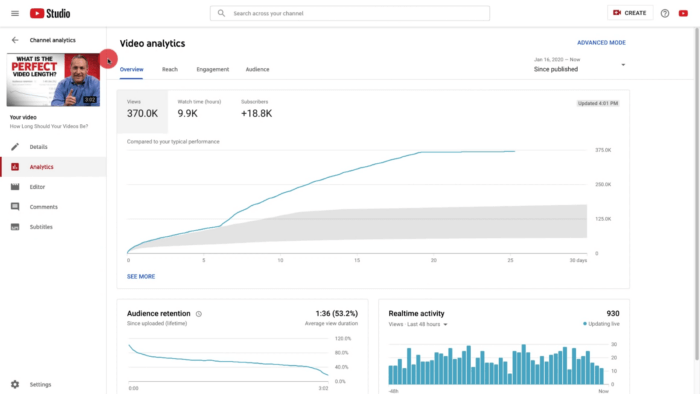
YouTube's recommendation system favors channels that publish regularly. The creators who post 3-5 times per week get more algorithmic surface area than those posting once a month. AI makes that publishing cadence achievable without a production team.
2. New Channels Get Tested Faster
YouTube now tests new creators more aggressively when early performance signals are strong. If your first few videos get solid click-through rates and watch time, the algorithm will push your content to larger audiences within days — not months. AI lets you iterate faster and dial in what works.
3. Short-Form Is a Discovery Engine
YouTube Shorts reach billions of daily viewers. Repurposing AI-generated long-form content into Shorts creates a compounding discovery loop: Shorts drive subscribers, subscribers watch your long-form content, and long-form content generates more Shorts material.
The Complete AI Video Workflow
Here's a practical, end-to-end workflow for creating YouTube videos with AI using PilotVid.
Step 1: Start with a Topic
Enter a topic, keyword, or question. It can be broad ("the science of sleep") or specific ("why you can't sleep after looking at your phone"). You can also paste a YouTube video URL — PilotVid will analyze what makes it work and use those insights to generate original concepts.
Step 2: Pick Your Angle
This is where most AI video tools fall short. They take your topic and generate one generic script. PilotVid takes a different approach: it pitches you multiple concept angles — fundamentally different ways to frame the same subject.
For a topic like "the science of sleep," you might see:
- - Timeline: "From ancient sleep rituals to modern sleep science — what changed"
- - What If: "What happens to your body after 7 days without sleep"
- - Investigation: "The $30 billion industry profiting from your insomnia"
- - Top List: "5 sleep myths that are actually ruining your rest"
Each angle produces a different video with a different audience. You pick the one that fits your channel's identity.
Step 3: Review and Edit the Script
PilotVid generates a full narration broken into scenes. Each scene has narration text and a storyboard-style scene title describing the visual.
You can edit any scene directly. Change the wording, add personal anecdotes, adjust the tone. If your edits shift the pacing significantly, one click re-segments the script into fresh scene boundaries while preserving your text.
Pro tip: Spend 10-15 minutes making the script sound like you. AI writes competent prose, but your unique voice and perspective are what make people subscribe.
Step 4: Choose a Visual Style
Pick from 8 styles that control the entire visual identity of your video:
| Style | Best For |
|---|---|
| Cinematic | Documentary, history, serious topics |
| Cartoon | Educational, kids' content, fun explainers |
| Watercolor | Storybook, wellness, reflective topics |
| Anime | Dramatic, action-packed, pop culture |
| 3D Animation | Storytelling with warmth and depth |
| Claymation | Quirky, handmade aesthetic, humor |
| Flat Vector | Business explainers, modern and clean |
| Investigative | True crime, mystery, dark topics |
Or choose Auto and let the AI match the visual style to your script's tone and content.
Step 5: Approve Images and Animate
PilotVid generates a unique AI image for every scene in your script. Review them in a grid — if one doesn't match your vision, regenerate just that scene without touching the rest.
- - Animated using Kling 2.6 Pro AI video generation for dynamic movement
- - Given a Ken Burns zoom effect for scenes where subtle camera motion works better
Step 6: Download Your Finished Video
- - AI-generated voiceover with natural pacing
- - Word-by-word animated captions (choose from YouTube, Netflix, TikTok, or Minimal styles)
- - Smooth transitions between scenes
- - Professional timing based on actual audio duration — no awkward gaps or rushed cuts
Download and upload directly to YouTube.
Optimizing AI Videos for the YouTube Algorithm
Creating the video is half the battle. Getting the algorithm to show it to people is the other half.
Nail Your Title and Thumbnail
Your title and thumbnail determine whether anyone clicks. A brilliant video with a weak title is invisible.
Use AI to generate multiple title variations from your script. Look for titles that create curiosity gaps — the viewer needs to click to resolve the question. Pair each title with a thumbnail concept that complements it visually.
Spend as much time on packaging as you do on the video itself. This is where most creators underinvest.
Write SEO-Rich Descriptions
YouTube's algorithm reads your description to understand what your video is about and who should see it. Don't leave it blank or stuff it with random keywords.
Instead, write a natural 2-3 sentence summary that includes your primary keyword. Follow it with a structured outline of what the video covers. AI can generate this from your script — just make sure it reads naturally.
Always Add Captions
A significant percentage of YouTube viewers watch with sound off, especially on mobile. Captions aren't optional — they directly improve watch time and accessibility. PilotVid bakes word-by-word captions into every video automatically.
Repurpose Into Shorts
One long-form video can become 3-5 Shorts. Pull the most compelling 30-60 second segments — a surprising fact, a bold claim, a visual highlight — and publish them as standalone Shorts. This feeds the discovery loop without creating new content from scratch.
Common Mistakes to Avoid
The "Generate and Upload" Trap
The biggest mistake is treating AI as a magic wand: prompt in, video out, upload, repeat. This produces generic content that the algorithm will suppress and viewers will ignore.
AI handles the production. You handle the creative direction. Every video needs your input: a unique angle, edited narration, style choices, and image approvals. The creators who succeed with AI video are directors, not button-pushers.
Ignoring YouTube's AI Disclosure Rules
YouTube requires disclosure when AI is used to create realistic-looking content. If your video features AI-generated people or events that could be mistaken for real, use YouTube's built-in disclosure tool. Non-compliance can lead to video removal or channel strikes.
AI-assisted content is explicitly allowed. YouTube cares about viewer satisfaction, not how the video was made.
Skipping the Script Edit
AI-generated scripts are competent but generic. They lack personal stories, strong opinions, and the quirks that make a creator's voice distinctive. The 15 minutes you spend injecting your personality into the script is the highest-leverage time in the entire workflow.

The Economics: Is It Worth It?
Let's be direct about the numbers.
Time savings: A traditional 10-minute YouTube video takes 8-10 hours of production work. With AI, the same video takes 30-60 minutes including review and editing. That's a 10x efficiency gain.
Publishing cadence: At traditional production speeds, most solo creators max out at 1-2 videos per week. With AI, 3-5 videos per week becomes realistic. More videos means more algorithmic surface area.
Monetization timeline: Consistent publishing with AI can reach YouTube Partner Program requirements (1,000 subscribers + 4,000 watch hours) in 3-6 months. The niche matters — finance and tech content pays $4-8 RPM, while entertainment sits around $2-4 RPM.
Scaling: Once one channel works, the same workflow applies to a second and third. AI removes the production bottleneck that traditionally capped solo creators at one channel.
The Creator's Edge: What AI Can't Replace
AI handles production. It can't handle taste.
The creators building real audiences with AI video tools aren't the ones generating the most content. They're the ones making the best creative decisions:
- - Choosing angles that nobody else is covering. The same topic from a fresh perspective beats another generic explainer.
- - Editing scripts with a real point of view. People subscribe to voices, not information. The information is free — the perspective is what's valuable.
- - Matching visual style to content. An investigative-style video about a mystery topic hits differently than the same script in a cartoon style. These choices compound into brand identity.
- - Engaging with comments. Community building is still entirely human. The channels that grow fastest are the ones where viewers feel heard.
AI gives you speed. Your creativity is the multiplier.
Start Building
The tools exist. The demand for content is growing. The gap between "I have a channel idea" and "I have a channel" has never been smaller.
The only question is whether you start now or wait until every niche is saturated with creators who figured this out before you did.